
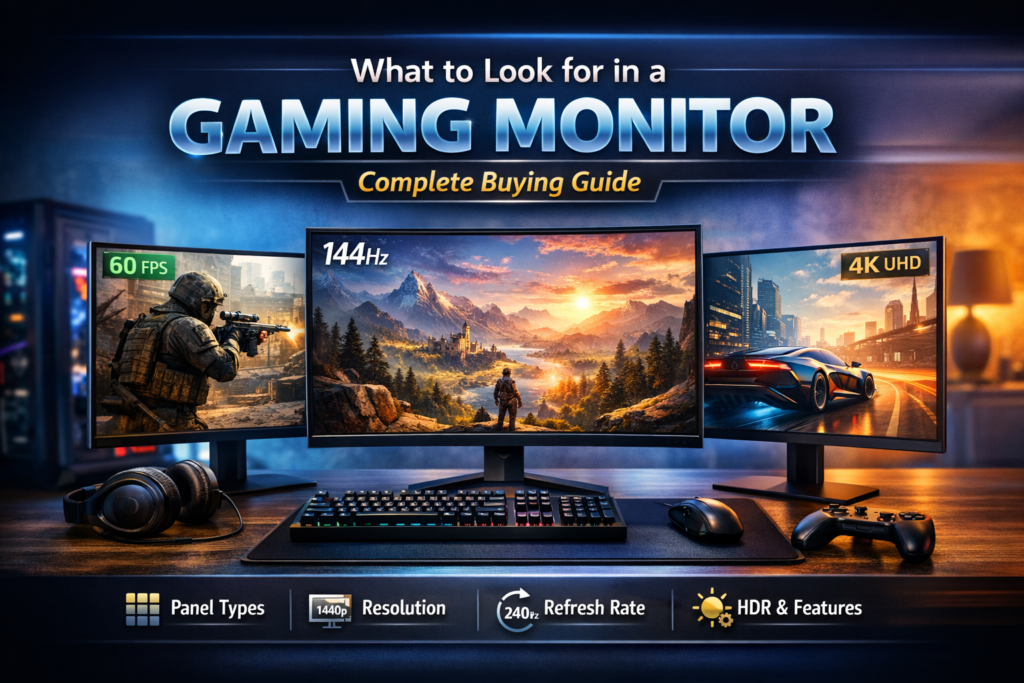
Buying a new gaming monitor can feel exciting and confusing at the same time. I’ve been there, staring at specs late at night, wondering what to look for in a gaming monitor and which details actually matter according to modern display technology standards.
The truth is, the right screen can make games feel smoother, clearer, and more enjoyable, even before you upgrade your PC or console. In this guide, I’ll share simple, real-world advice based on hands-on experience and widely accepted hardware evaluation practices, covering refresh rate, resolution, and gaming monitor panel types so you can choose with confidence. Stick with me, and let’s find a monitor that truly fits how you play.
Gaming Monitor Panel Types
If gaming monitors were food, the panel type would be the main ingredient. Choose the right one, and everything else feels better. This is one of the first things I check in any gaming monitor buying guide, because panel technology directly affects pixel response behavior, color reproduction, and overall visual consistency. Simply put, panel type plays a major role in how fast, smooth, and vibrant your screen looks.
TN vs IPS vs VA – Quick Comparison
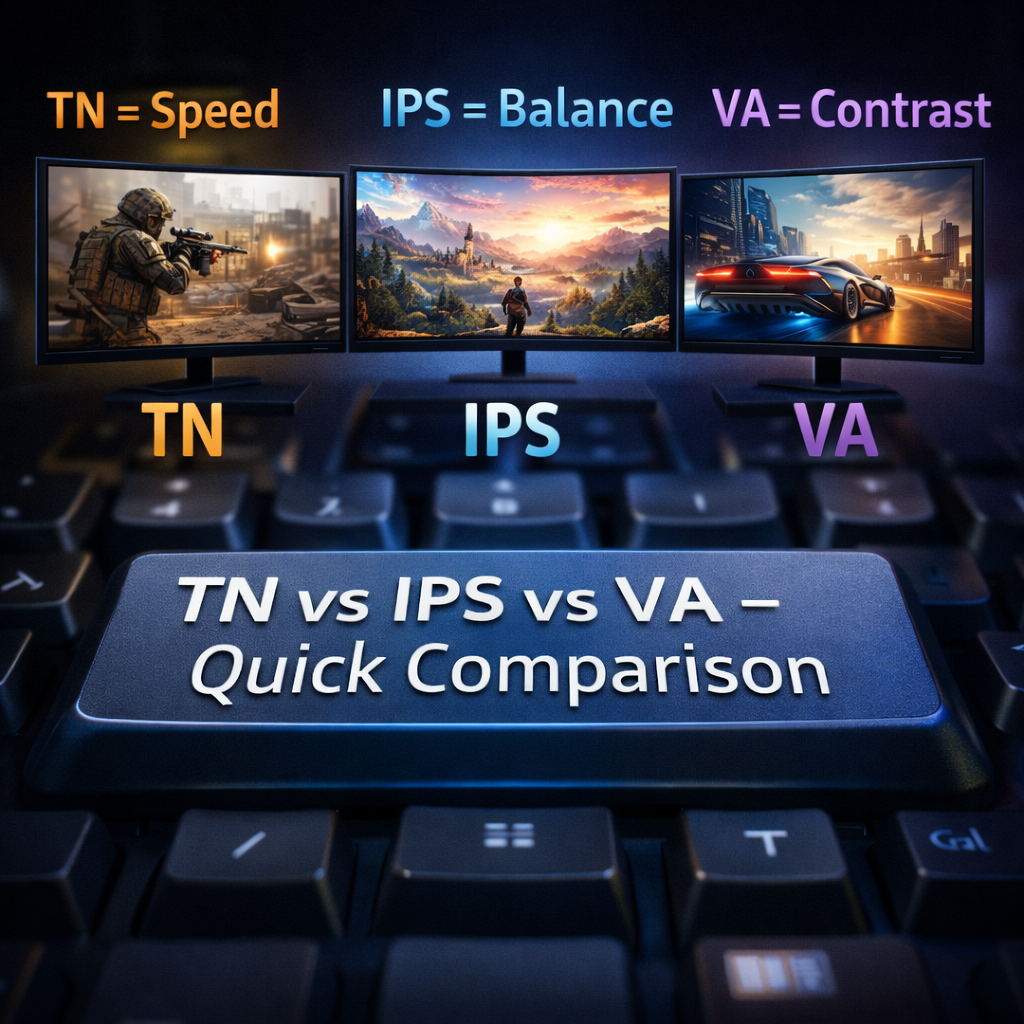
Think of TN, IPS, and VA as three different play styles based on LCD display architecture. TN panels focus on speed and simplicity, which is why they’ve historically been popular in competitive environments. IPS panels balance response time and color accuracy, aligning well with modern visual standards. VA panels prioritize contrast ratios, making dark scenes appear deeper and more defined.
From my own setup changes over the years, switching from TN to IPS felt like cleaning a dusty window. Games didn’t just run fast—they looked alive. That’s why most up-to-date guides on what to look for in a gaming monitor now point toward IPS as the most balanced option.
OLED & QD-OLED (Modern Premium Option)
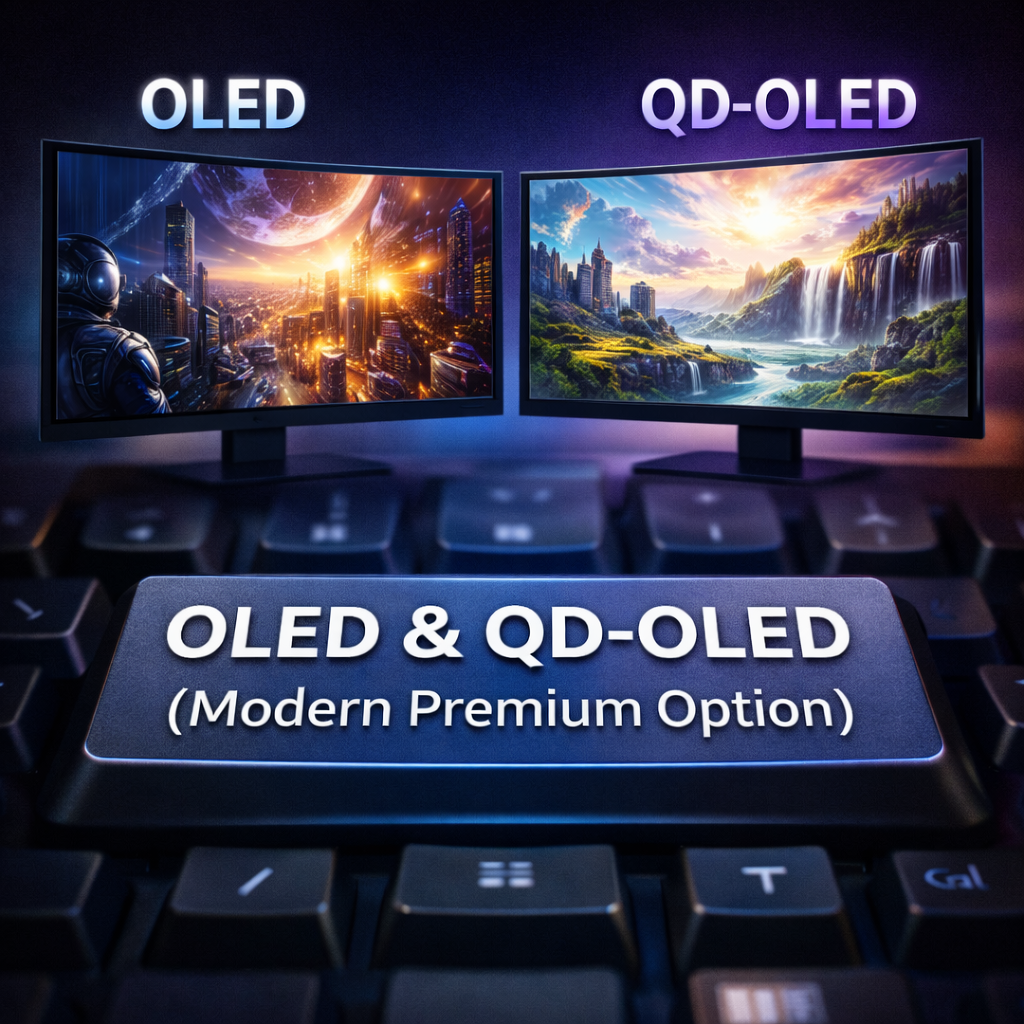
OLED and QD-OLED monitors represent the latest generation of display innovation. They deliver self-emissive pixels, perfect black levels, near-instant response times, and exceptional color depth. Games feel more cinematic and immersive, especially titles designed with HDR workflows in mind.
I tested OLED on a calibrated setup, and the visual clarity was impressive. Still, for most gamers, IPS panels offer far better cost-to-performance value without higher pricing concerns or long-term usage considerations.
Which Panel Type Is Best For:
Competitive Gaming
If you play FPS or esports titles, speed matters most. TN or fast IPS panels minimize motion blur and work well with a high monitor refresh rate for gaming. In today’s market, fast IPS panels are widely considered the most practical choice.
Color-Accurate Gaming
For visually rich games or light creative work, IPS panels perform well due to stable color consistency and wide viewing angles. This becomes especially noticeable at popular setups like the best resolution for gaming monitor use at 1440p.
Immersive AAA Games
For open-world and story-driven games, contrast adds depth. VA panels provide strong black levels for value-focused builds, while OLED delivers premium immersion for enthusiasts.
Choosing the right panel isn’t about hype—it’s about aligning display characteristics with how you actually play.
Screen Size: Finding the Right Balance
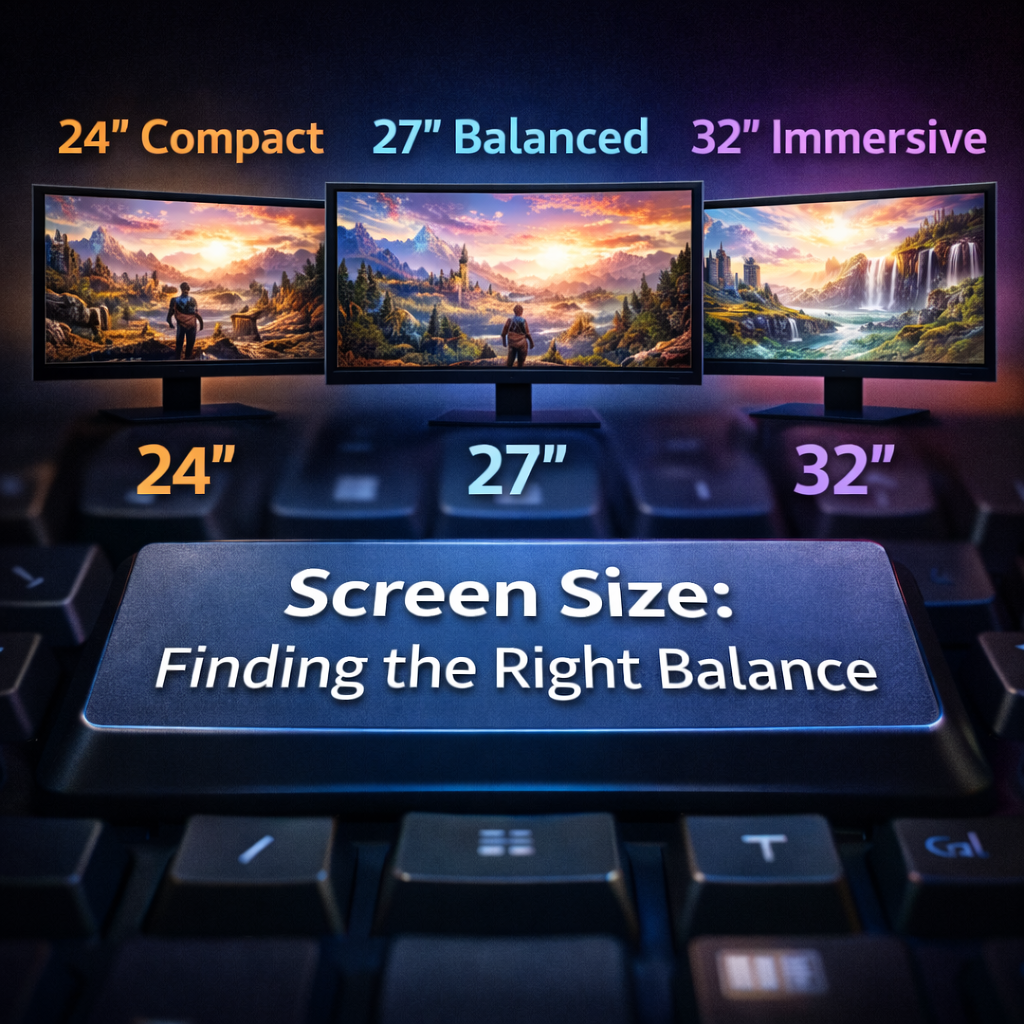
Screen size is like choosing the right seat in a movie theater. Too small, and you miss details. Too large, and you’re constantly moving your head. When people ask what to look for in a gaming monitor, screen size always comes up early because it directly affects visual ergonomics and on-screen focus.
Common Sizes: 24″, 27″, 32″
Most gamers stick to these three sizes based on desk space and viewing distance guidelines:
- 24-inch monitors suit competitive gaming and compact setups
- 27-inch is widely considered the optimal balance, especially at 1440p
- 32-inch and larger displays feel cinematic but require proper viewing distance
I started with a 24-inch display, and it felt fast and focused. Moving to 27 inches later expanded my field of view without reducing control. That’s why many gaming monitor buying guide lists recommend 27 inches today.
How Screen Size Affects Comfort and Performance
Larger screens aren’t always better for reaction-based gameplay. Excessive eye movement can impact consistency. A properly sized display keeps critical information within your natural line of sight, supporting faster reactions and improved visual tracking.
Comfort also plays a role in longer sessions. A well-matched screen size helps reduce neck and eye strain—factors often discussed in ergonomic display studies.
Ideal Screen Size Based on Resolution and Desk Setup
Resolution and size should always work together:
- 1080p pairs best with 24-inch screens
- 1440p performs best on 27-inch displays
- 4K benefits from 32-inch or larger panels
Desk depth and seating distance matter as well. Choosing a size that fits your physical setup improves immersion and long-term comfort.
Best Resolution for a Gaming Monitor
Resolution determines image detail, but it also affects system performance. Through practical testing, it becomes clear that the best resolution for a gaming monitor is the one your GPU can sustain consistently.
1080p (Full HD) – Budget & Esports
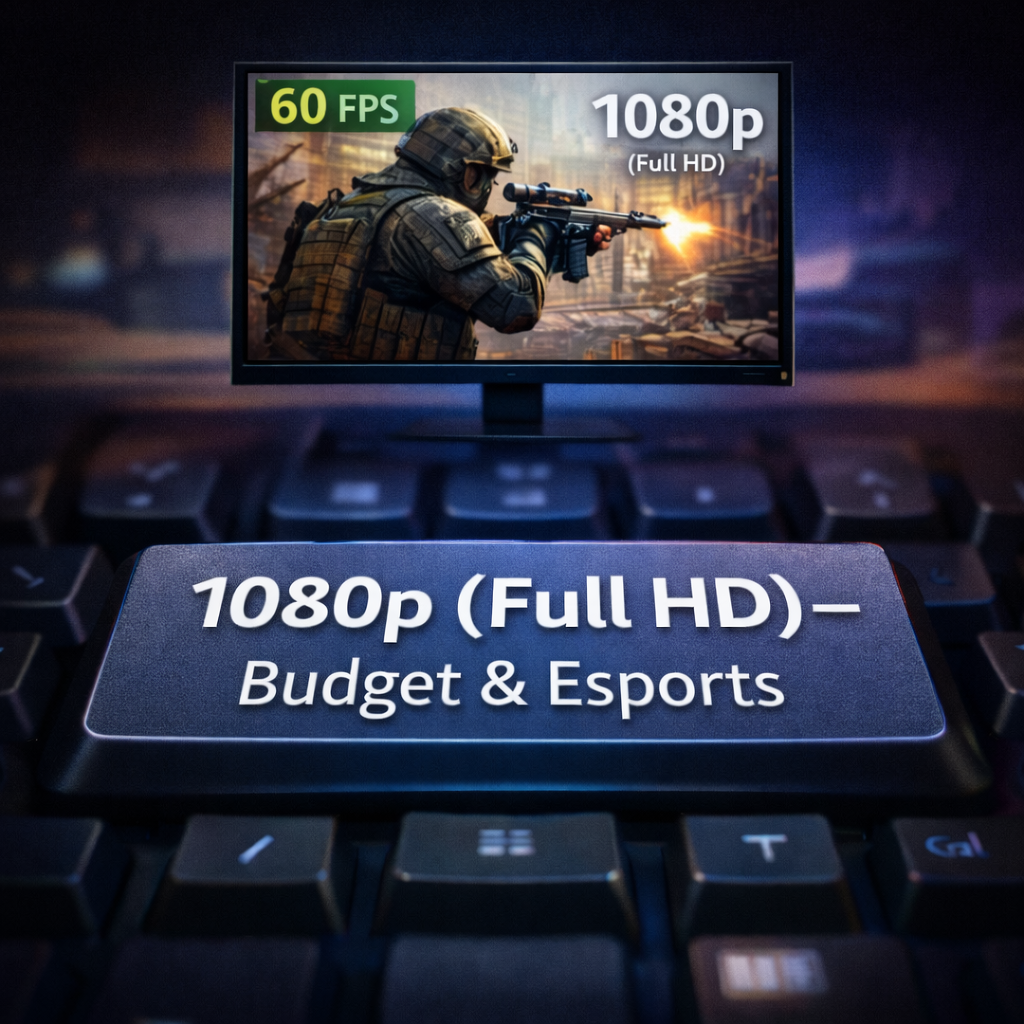
1080p remains a standard resolution for competitive gaming due to its low performance demands. It allows higher frame rates and pairs well with high refresh rate panels.
This resolution is often recommended for entry-level builds because it delivers smooth gameplay without requiring high-end graphics hardware.
1440p (QHD) – Best Balance for Most Gamers
1440p offers a noticeable improvement in sharpness without the heavy GPU load of 4K. Many industry reviewers consider it the current sweet spot for PC gaming.
On a 27-inch monitor, 1440p provides clean text, detailed environments, and stable performance across a wide range of titles.
4K (UHD) – Immersive but GPU-Heavy
4K delivers exceptional detail, especially in visually complex games. However, it requires powerful GPUs and often limits achievable refresh rates, making it better suited for visual-focused setups.
Resolution vs GPU Performance
Higher resolution increases pixel workload, directly impacting frame rates. Balancing resolution with GPU capability ensures smooth gameplay without unnecessary compromises.
Aspect Ratio Explained
Aspect ratio defines how wide your visual field appears. The standard 16:9 remains the most universally supported format. Ultrawide 21:9 enhances peripheral vision in supported titles, while 32:9 offers an expansive workspace and immersive experience.
From experience, ultrawide displays add immersion, but competitive players often prefer 16:9 for consistent framing and minimal visual distraction.
Color Performance in Gaming Monitors
Color performance affects immersion and visual accuracy. Displays with stable color calibration reproduce scenes closer to the developer’s intent.
IPS panels are known for consistent color output. While 8-bit color depth is sufficient for most gaming use, 10-bit panels reduce banding and improve gradient smoothness in visually demanding content.
For color space coverage:
- sRGB serves as the baseline standard
- DCI-P3 offers richer, cinematic tones
- AdobeRGB targets professional workflows
For gaming, DCI-P3 coverage offers a balanced visual experience without unnecessary complexity.
High Dynamic Range (HDR) Support
HDR enhances brightness and contrast by expanding luminance range. When implemented properly, it improves detail in both highlights and shadows.
HDR400 provides minimal enhancement, HDR600 shows clearer improvement, and HDR1000 delivers a more impactful result. HDR should always be treated as a secondary feature after core specs like panel type and refresh rate.
Monitor Refresh Rate for Gaming
Refresh rate determines motion smoothness. Higher refresh rates improve clarity during fast camera movement and gameplay transitions.
- 60Hz suits casual play
- 144Hz offers a smooth, responsive experience
- 240Hz+ targets competitive environments
The benefit depends on whether your GPU can maintain matching frame rates.
Response Time in Gaming Monitors
Response time measures how quickly pixels transition between states. Lower response times reduce ghosting and motion blur.
For most users, 1–3ms delivers clear motion. Beyond that, overall balance with refresh rate and panel technology matters more than chasing the lowest advertised number.
Extra Features That Improve Gaming Experience
Adaptive Sync helps eliminate tearing, modern display interfaces ensure compatibility, adjustable stands support proper posture, and eye-care features reduce fatigue during extended sessions.
These elements refine the experience without replacing core display fundamentals.
Gaming Monitor Buying Guide by Use Case
- Competitive gamers: High refresh rate, low response time
- Casual gamers: 1440p resolution, IPS panels
- AAA gamers: Strong contrast and color depth
Budget gamers: 1080p, high refresh rate, value-focused choices
FAQs
What should I look for first in a gaming monitor?
Start with your gaming style. Performance priorities differ between competitive and immersive play.
Is refresh rate more important than resolution?
For most players, smoother motion improves gameplay feel more than extra sharpness.
Which panel type is best for gaming?
IPS is generally the most balanced choice for speed, color accuracy, and viewing angles.
Is HDR necessary?
HDR is optional. Core display characteristics matter more.
What response time is ideal?
A response time between 1ms and 3ms suits most gaming scenarios.
Conclusion
Buying a gaming monitor doesn’t have to be overwhelming. Once you understand what to look for in a gaming monitor, the process becomes straightforward. Panel technology influences visuals, refresh rate controls smoothness, and response time maintains clarity during fast action.
Avoid chasing marketing hype. Match specifications to your gaming habits, hardware capability, and comfort needs. When you do, you’ll end up with a monitor that feels right every time you play—supported by sound technical fundamentals rather than spec sheet noise.