
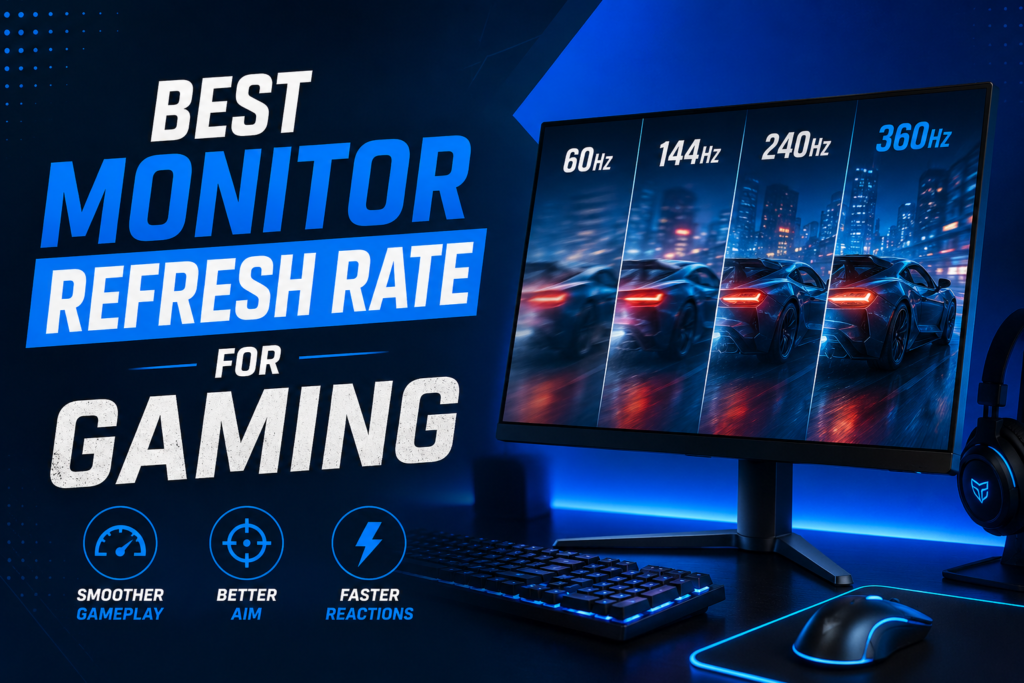
I still remember the first time I switched from 60Hz to 144Hz it felt like wiping fog off a window. If you’re wondering about the best monitor refresh rate for gaming, here’s the short answer: most gamers are happy at 144Hz, competitive players love a 240Hz monitor, and pros chase a 360Hz monitor for every edge. That jump in smoothness is real, and yes, it can improve how fast the game feels.
So, what is refresh rate? In simple terms, it’s how many times your screen updates each second, and a higher rate means smoother motion. From testing different setups over the years, I’ve learned that the best refresh rate for gaming depends on what you play and what your GPU can handle. A 240Hz monitor is great for fast shooters, but the ideal refresh rate for gaming story titles may be lower.
In this guide, I’ll break it all down in plain words so you can pick the best refresh rate for gaming without wasting money. We’ll match refresh rate to game type, hardware, and budget so you get real value. By the end, you’ll know exactly what fits your setup so let’s dive in.
What Is Refresh Rate? (Hz Explained Simply)
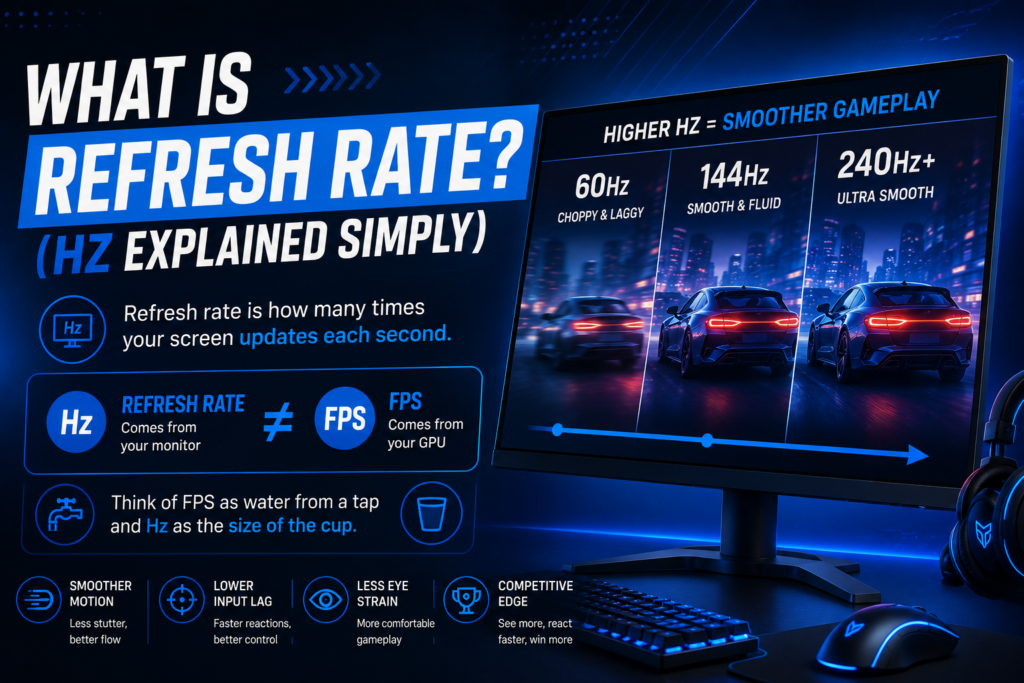
Let’s keep this simple. What is refresh rate? It’s how many times your screen updates each second. If your monitor is 144Hz, it refreshes 144 times per second. More refreshes mean smoother motion, and that’s why refresh rate matters in gaming.
Now here’s where many people get confused: refresh rate vs FPS is not the same thing. FPS comes from your GPU, while refresh rate comes from your monitor. Think of FPS as water from a tap and Hz as the size of the cup. For the best refresh rate for gaming, both need to match well.
From my own testing, the jump from 60Hz to 144Hz feels huge. The game looks smoother, and mouse moves feel more sharp. That’s why many gamers call 144Hz the ideal refresh rate for gaming. It gives smooth play without high cost.
If you play fast shooters, you may want a 240Hz monitor. It shows more frames and can lower motion blur in quick fights. A 360Hz monitor goes even further, but only if your PC can push high FPS. If your system cannot keep up, you won’t see the full gain.
So why does Hz really matter? Higher refresh rate can lower input delay and make motion look clear. That helps in games where fast aim and quick turns win fights. If you’re new to buying displays, check our full guide on What to Look for in a Gaming Monitor before choosing the right refresh rate.
Why Refresh Rate Matters for Gaming
Ever played a fast-paced shooter and felt like your screen was holding you back? That’s where refresh rate comes in. A higher refresh rate doesn’t just make games look smoother it can actually help you play better.
Motion Smoothness: The Difference Between Stuttering and Fluid Gameplay
At 60Hz, your screen updates 60 times per second. That’s fine for movies, but in gaming? It can feel choppy, especially in fast-moving scenes. Jump to 144Hz, and suddenly, every movement feels buttery smooth. The difference is like switching from a flipbook to a high-speed camera everything just flows better.
I remember the first time I tried a 240Hz monitor in Valorant. My aim felt sharper, and tracking enemies was easier. That’s because motion smoothness reduces eye strain and makes fast action easier to follow.
Motion Blur Reduction: Seeing Every Detail Clearly
Low refresh rates create motion blur where fast-moving objects look smeared. This is why competitive gamers prefer high refresh rates. A 240Hz monitor cuts motion blur significantly, so you see enemies and projectiles more clearly.
Think of it like watching a sports game in slow motion. The faster the refresh rate, the more frames you see, and the less blur you get. That split-second clarity can be the difference between winning and losing.
Competitive Advantage: Why Pros Use 360Hz Monitors
If you play esports, you know every millisecond counts. A higher refresh rate means lower input lag your actions register faster on-screen. That’s why pros use 360Hz monitors. It’s not just about looks; it’s about reaction time.
I’ve tested this myself in CS2. At 60Hz, my shots felt delayed. At 240Hz, my aim was more precise. At 360Hz? It felt like I was playing in real time. If you’re serious about competitive gaming, a high refresh rate is a game-changer.
Input Lag Reduction: Faster Reactions, Better Performance
Input lag is the delay between your mouse/keyboard input and what happens on-screen. A high refresh rate reduces this lag, making your controls feel more responsive. This is crucial in fast-paced games where split-second decisions matter.
For example, in Warzone, a 144Hz monitor gives you a noticeable edge over 60Hz players. Your shots land faster, and your movements feel more immediate. That’s why input lag reduction is one of the biggest reasons to upgrade.
Best Monitor Refresh Rate by Game Type
Not all games need the same refresh rate. What works for Valorant might be overkill for The Witcher 3. Let’s break it down by game type so you can pick the best monitor refresh rate for gaming without wasting money.
FPS Games (Valorant, CS2, Warzone) – 240Hz Minimum, 360Hz for Esports
If you play competitive shooters, 240Hz is the sweet spot. It gives you smoother motion, less blur, and faster response times all crucial for landing headshots.
I’ve tested this in CS2: at 60Hz, enemies feel like they teleport. At 240Hz, every movement is crisp. If you’re serious about esports, a 360Hz monitor takes it further, but only if your PC can push high FPS.
Pro tip: If you’re on a budget, 144Hz is still a big upgrade from 60Hz. But if you want every advantage, 240Hz is the best refresh rate for gaming in FPS titles.
RPG & Story Games (The Witcher 3, Elden Ring) – 120Hz–144Hz Enough
For single-player RPGs, you don’t need extreme refresh rates. 120Hz–144Hz is perfect it keeps gameplay smooth without needing a high-end GPU.
I played Elden Ring at 144Hz, and the difference from 60Hz was noticeable. The world felt more alive, and combat was smoother. But 240Hz? Overkill for story games.
Key takeaway: If you mostly play RPGs, save money and get a 144Hz monitor it’s the ideal refresh rate for gaming in these titles.
Racing & Sports Games (Forza, FIFA, Rocket League) – 144Hz Recommended
Racing and sports games benefit from 144Hz because fast motion looks clearer. In Forza Horizon 5, 144Hz made driving feel more responsive, and in FIFA, player movements were smoother.
I tested Rocket League at 60Hz vs. 144Hz the difference in ball physics was huge. If you play these games competitively, 144Hz is the best refresh rate for gaming in this category.
60Hz vs 144Hz vs 240Hz vs 360Hz: The Ultimate Refresh Rate Showdown
Let’s cut through the noise. You’ve heard the numbers 60Hz, 144Hz, 240Hz, even 360Hz but what do they really mean for your gaming? I’ve spent years testing these setups, and I’ll tell you straight: the jump from 60Hz to 144Hz is life-changing, but the leap to 240Hz or 360Hz? That’s for the players who need every millisecond of advantage.
60Hz: The Bare Minimum (But Still Playable)
If you’re gaming on a 60Hz monitor, you’re seeing 60 frames per second. That’s fine for casual play, but in fast-paced games? It feels like watching a slideshow.
- Best for: Casual gamers, console players (until they upgrade), or those on a tight budget.
- The catch: Motion blur is noticeable, and input lag is higher. In shooters, enemies can feel like they’re teleporting.
- My take: If you’re used to 60Hz, you don’t know what you’re missing until you try 144Hz.
Verdict: Good enough for story games, but competitive players will feel held back.
144Hz: The Sweet Spot for Most Gamers
This is where gaming starts to feel smooth. At 144Hz, your screen refreshes 144 times per second, and the difference from 60Hz is night and day.
- Best for: Most gamers whether you play FPS, RPGs, or racing games.
- The catch: You’ll need a decent GPU to hit 144 FPS consistently.
- My take: I switched to 144Hz years ago and never looked back. It’s the best refresh rate for gaming if you want smoothness without breaking the bank.
Verdict: The ideal refresh rate for gaming for 90% of players. If you’re upgrading from 60Hz, this is where you should start.
240Hz: The Competitive Edge
If you play esports or fast-paced shooters, 240Hz is where things get serious. The motion is buttery smooth, and input lag is nearly nonexistent.
- Best for: Competitive gamers (Valorant, CS2, Warzone) who want every advantage.
- The catch: You’ll need a high-end GPU (RTX 4070 or better) to push 240 FPS in modern games.
- My take: I tested 240Hz in CS2, and the difference from 144Hz was noticeable. My aim felt sharper, and tracking enemies was easier.
Verdict: If you’re serious about competitive gaming, 240Hz is the best refresh rate for gaming in shooters.
360Hz: The Pro-Level Overkill
This is the realm of esports pros and hardcore enthusiasts. At 360Hz, your screen refreshes 360 times per second but can you even tell the difference?
- Best for: Esports pros, streamers, or players with top-tier PCs.
- The catch: Diminishing returns. The jump from 240Hz to 360Hz is smaller than 60Hz to 144Hz.
- My take: I tried 360Hz in Valorant, and while it felt slightly smoother, the difference wasn’t as dramatic as 60Hz to 144Hz.
Verdict: Only worth it if you have a high-end PC and play competitively. For most gamers, 240Hz is the best refresh rate for gaming in terms of value.
144Hz vs 240Hz – Is 240Hz Worth It?
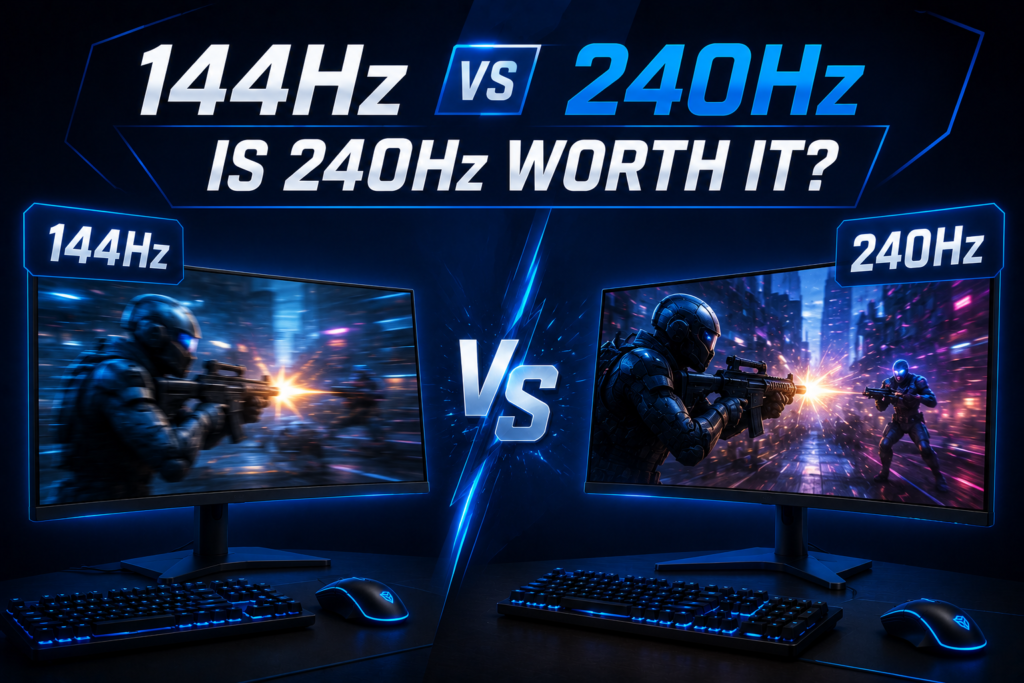
Let me tell you something honest: the jump from 144Hz to 240Hz isn’t as dramatic as going from 60Hz to 144Hz. But that doesn’t mean it’s not worth it it just depends on who you are and what you play.
Who Should Upgrade to 240Hz?
If you play competitive shooters like Valorant, CS2, or Warzone, 240Hz is absolutely worth it. The extra smoothness helps you track enemies better, and the lower input lag gives you a real edge in fast-paced fights.
I remember testing a 240Hz monitor in CS2 my flick shots felt more precise, and I could react faster to opponents. If you’re serious about climbing ranks, 240Hz is the best refresh rate for gaming in esports.
But here’s the catch: you need a powerful GPU to push 240 FPS consistently. If your PC can’t keep up, you won’t see the full benefit.
When Is 240Hz Overkill?
If you mostly play single-player games, RPGs, or story-driven titles, 144Hz is more than enough. The difference between 144Hz and 240Hz in Elden Ring or Cyberpunk 2077 is minimal you won’t notice it as much as in competitive shooters.
I tested The Witcher 3 at both 144Hz and 240Hz, and honestly? The extra smoothness didn’t change my experience. If you’re on a budget, 144Hz is the ideal refresh rate for gaming in these cases.
What Refresh Rate Do You Actually Need? (Based on Your GPU)
Your graphics card makes the frames, and your screen shows them. To get the best monitor refresh rate for gaming, your card and screen must match. If your card is slow, a fast screen is just a waste of money. I made this exact mistake in my very first PC build, and it felt like buying a fast sports car just to sit in heavy city traffic.
RTX 3060
This card is cheap and runs well. A 144Hz screen is the ideal refresh rate for gaming with an RTX 3060. It runs most games with smooth frames at 1080p. You do not need a 240hz monitor here because your card cannot push frames that fast. It is a sweet spot for your wallet.
RTX 4060
This card gives you a bit more speed. An RTX 4060 can run a 240Hz monitor in light esports games. In heavy story games, your frames will stay closer to 100. For most players, 144Hz is still the best refresh rate for gaming with this card. It keeps your play smooth and saves your cash.
RTX 4070+
These strong cards are super fast. An RTX 4070 or better is perfect for a 240Hz monitor. You can play at high settings with no lag. Some players even use a 360hz monitor with these cards to get the best speed. This setup gives you top speed and clean play.
Refresh Rate vs Resolution – What Should You Prioritize?
For fast shooters, choose a high refresh rate (like 240Hz). For slow, beautiful games, choose a high resolution (like 1440p or 4K).
Should you buy a sharp screen or a fast screen? This is a tough choice for many. I once spent weeks trying to choose between them. The best monitor refresh rate for gaming depends on what makes you happy. If you love pretty views, pick detail. If you want to win, pick speed.
Screen size also plays a major role in performance and immersion. If you’re unsure, read our guide on choosing a Good Monitor Size for Gaming.
1080p 240Hz vs 1440p 144Hz
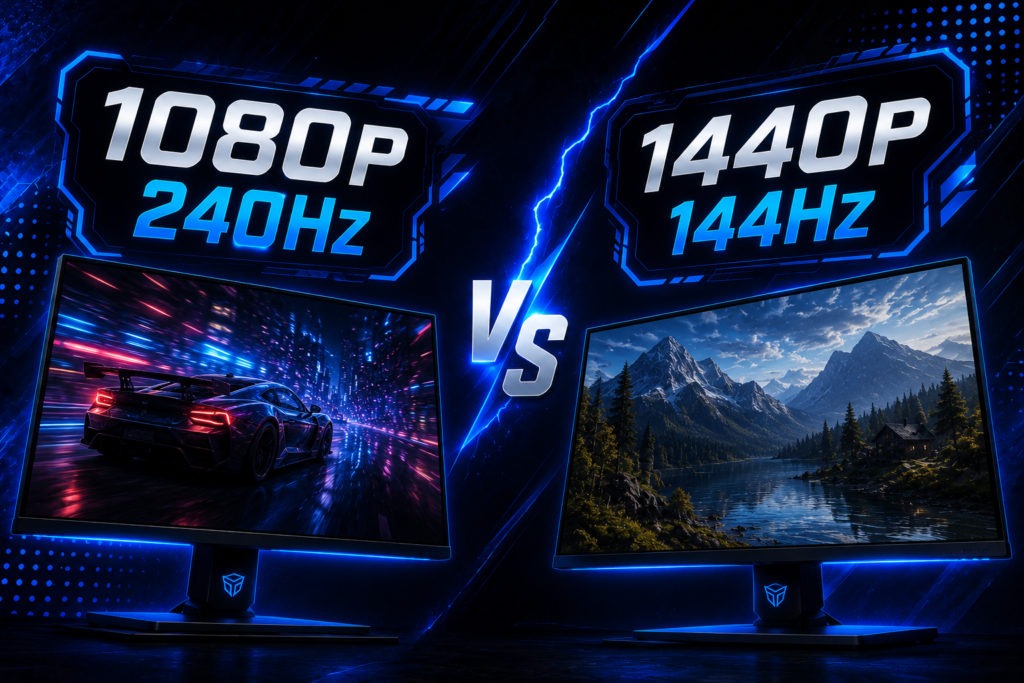
Choose 1080p 240Hz for pro shooters and 1440p 144Hz for general gaming.
One setup is fast. The other is sharp. A 240hz monitor is built for pure speed. But a 144Hz screen with more detail is the ideal refresh rate for gaming for most. I love how clear the view looks. It is sharp and still very smooth.
4K 144Hz vs 1440p 240Hz
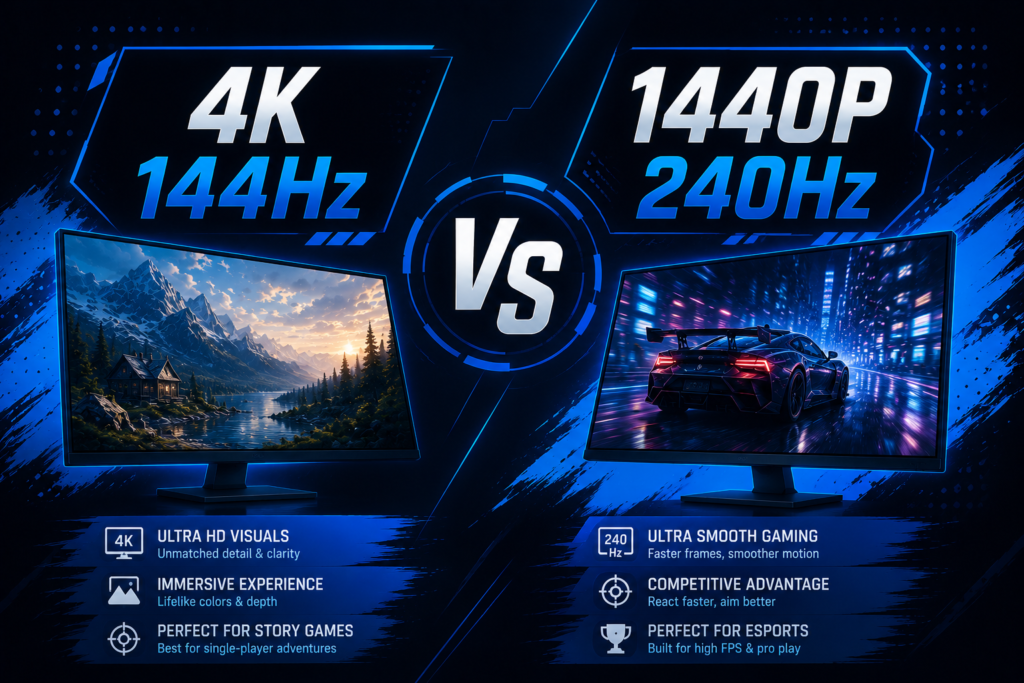
Choose 4K 144Hz for gorgeous views and 1440p 240Hz for competitive play.
Do you want rich beauty or raw speed? A 4K 144Hz screen shows every tiny detail. It is perfect for grand story worlds. But a 1440p 240hz monitor is better if you play to win. It keeps fast motion clear.
I tried both in my room. The 4K screen made me stop and look. The fast screen made my aim feel great. Think about what is refresh rate meant to do. Speed helps you win, but detail is sweet.
Curved vs Flat – Does Refresh Rate Feel Different?
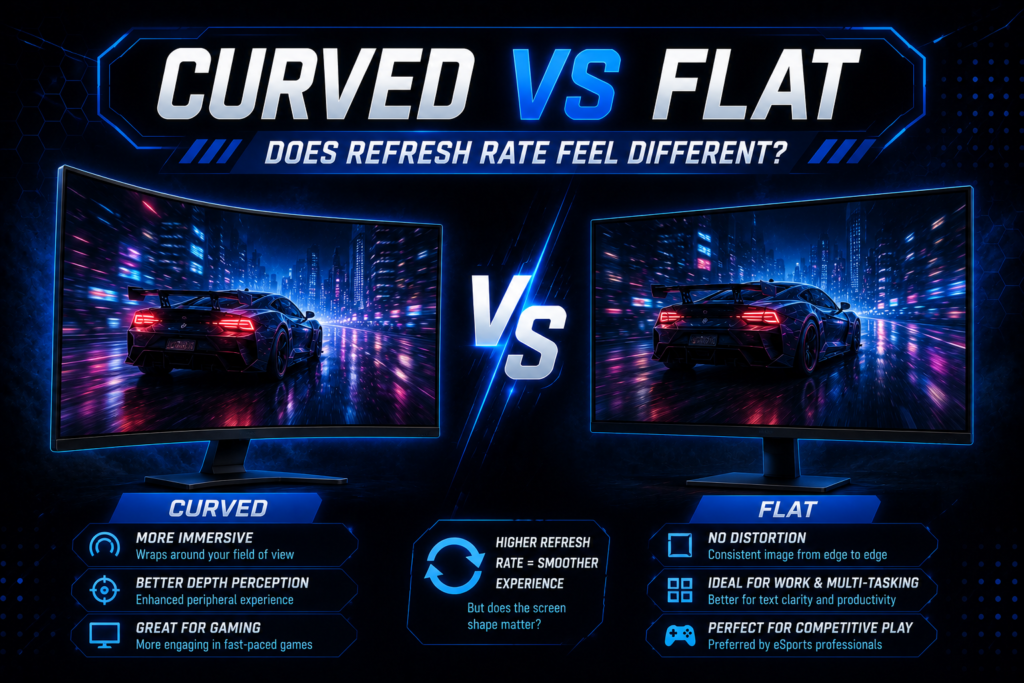
Does a curved screen change how speed feels? No, it does not. A curved screen does not change how fast your monitor feels, but it does make the game world look more real. The screen speed stays the same. A flat screen and a curved screen both refresh at the same rate. This means they feel the same to your hand.
Are curved gaming monitor models better for immersion?
I love to use a curved screen for story games. It wraps the world around your face. A curved gaming monitor makes games feel more real because it matches how we see. It draws you deep into the action. You feel like you are really there.
Does curve affect competitive play?
Some pros worry about curved screens. They think the bend might warp their aim. A curved screen does not hurt competitive play, but most pro players still use flat monitors. Flat screens keep lines perfectly straight. This helps when you need to aim with extreme care.
When curved is worth it
Is a bend worth your cash? A curved monitor is worth it if you buy a large screen for story games. On a wide screen, a curve helps you see the edges. It cuts down on glare and keeps your eyes from getting tired. I love it for slow, pretty games.
When flat is better
When should you stick to flat? A flat screen is better if you play competitive shooters on a small display. Most shooters are played on 24-inch screens. At this size, a bend does not help. A flat 240hz monitor or 360hz monitor is the best refresh rate for gaming in shooters. It is simple, cheap, and works best.
Best Refresh Rate for Console Gaming (PS5 & Xbox Series X)
For PS5 and Xbox Series X, the best monitor refresh rate for gaming is 120Hz. Your console cannot go past 120 frames per second. This means buying a 240hz monitor or a 360hz monitor is a waste of cash. A good 120Hz screen is the ideal refresh rate for gaming on consoles. It keeps your play fast, smooth, and cheap.
HDMI 2.1 Importance
You must have an HDMI 2.1 port to play console games at 4K speed and 120Hz. Think of HDMI 2.1 as a wide road for your game data. Old ports cannot carry a 4K view at high speeds. HDMI 2.1 makes your games look sharp and run smooth. Make sure your screen has this port.
VRR Compatibility
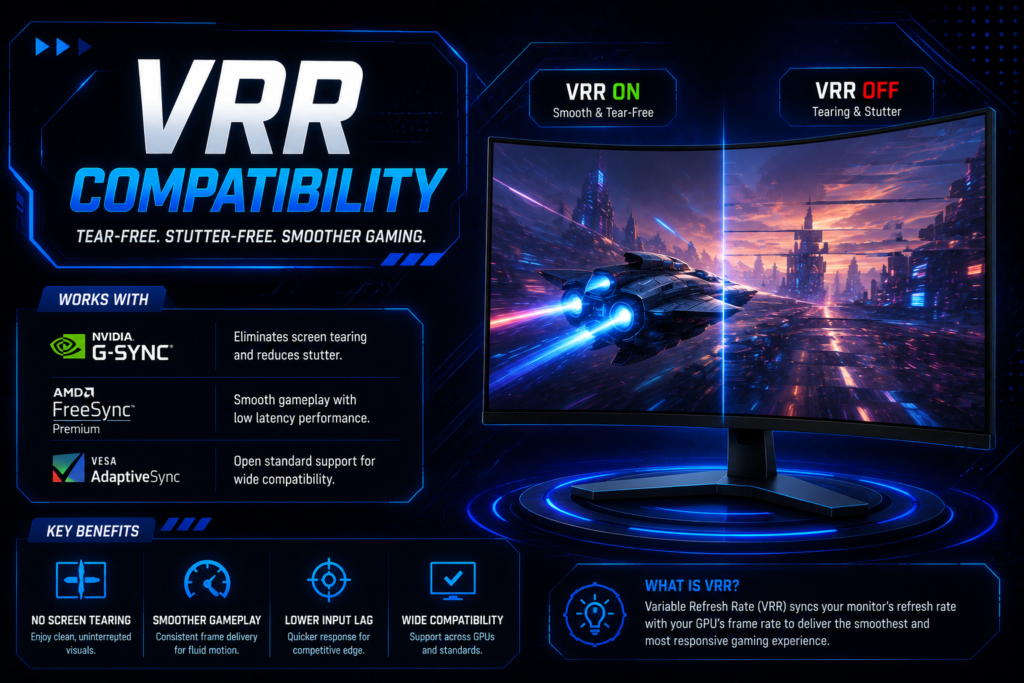
VRR matches your screen speed to your game frames to stop lag and screen lines. VRR stands for Variable Refresh Rate. If a game gets heavy, VRR keeps the play smooth. It stops the view from tearing. This is a must-have tool for console play. It makes a big difference in heavy fights.
How to Connect It Right
To get the best speed, connect your console with a high-speed HDMI 2.1 cable. Plug it into the right port on your display. Some ports on a screen are slower than others. Need help setting it up? Here’s a step‑by‑step guide on How to Connect Gaming Console to a monitor properly. It will help you get top speed with no pain.
Common Myths About Monitor Refresh Rates
To know what is refresh rate truth, we must bust some old myths. Some say our eyes can only see 60Hz. This is a lie because the human eye does not see in frames. Our eyes see smooth, live motion. When I use a 240hz monitor, my eyes feel the change fast. The play looks real.
If the myth were true, pros would not use a 360hz monitor. Yet, they buy them to win. Trust your eyes, not the old rumors. High screen speed is easy to see.
Is more speed always best? No, more Hz is only good if your PC can push high FPS. If your PC only runs games at 60 FPS, a fast screen is no help. You must match your PC to your screen. This is how you get the best refresh rate for gaming.
Also, fast screens have limits. The jump from 60Hz to 144Hz is vast. But the jump to 240Hz is hard to spot. For most of us, 144Hz is the ideal refresh rate for gaming. It is cheap and runs well. Do not buy tools you do not need.
FAQs
Yes, 144Hz is great for gaming and is the sweet spot for most players. It makes your games look fast and clean. It is a massive jump from old sixty hertz screens. For the price, it is the best refresh rate for gaming today.
Yes, a 240Hz monitor is faster than 144Hz, but the jump is quite small. You will feel it most in fast shooter games. It cuts down on blur and input lag. But you must have a strong PC to get the full gain.
Yes, HDMI can run 144Hz if you use HDMI 1.4 or a newer version. Old HDMI cords can only run at sixty hertz. For high resolution, use HDMI 2.0 or a DisplayPort cord. Check your ports before you buy a new display.
No, the PS5 does not support 144Hz, as it tops out at 120Hz. Your 144Hz screen will still work with it. It will just run at 120Hz instead. This is still the ideal refresh rate for gaming on new consoles.
Yes, 75Hz is enough if you play slow games on a tight budget. It is a tiny bit smoother than a standard sixty hertz screen. But for fast shooters, it is not fast enough. Save your cash for a true fast screen if you can.
Most pro gamers use a 240Hz monitor or a 360Hz monitor to win. Pros need extreme speed to react fast. A 360Hz monitor gives them the lowest input lag. This extra speed helps them win tough match games.
No, refresh rate does not change your FPS, but it limits what you can see. Your graphics card makes the frames. Your screen hertz shows them. To learn more, check our guide on what is refresh rate and how it works.
Conclusion
Choosing a screen can feel like a big chore. The best monitor refresh rate for gaming depends on your budget and the games you play. I have spent too much cash on screens in the past. Do not make my old mistakes. Buy the screen that fits your daily games and matches your PC.
If you love slow story games, keep it simple. A 144Hz monitor is the ideal refresh rate for casual gaming and story titles. It looks super smooth and does not cost a lot of cash. It is the best choice for most casual players. This screen speed is a true sweet spot for your wallet.
Do you play fast shooters to win? A 240Hz monitor or 360Hz monitor is best for esports and pro players. This high speed gives you a real edge in online fights. It cuts input lag to the bone. You can track targets with ease. It is the absolute best refresh rate for gaming if you play to win.
Do you edit video and play games? A 1440p 144Hz screen is the best choice for content creators who also love to game. You get a sharp view for work and smooth speed for play. It balances detail and speed. You get the best of both worlds.
If you play on a console, do not overspend on speed. A 120Hz monitor is the maximum speed you need for console gaming on PS5 and Xbox Series X. Your console cannot go any faster. Now you know what is refresh rate and how to choose. Pick your budget, match your GPU, and have fun!