
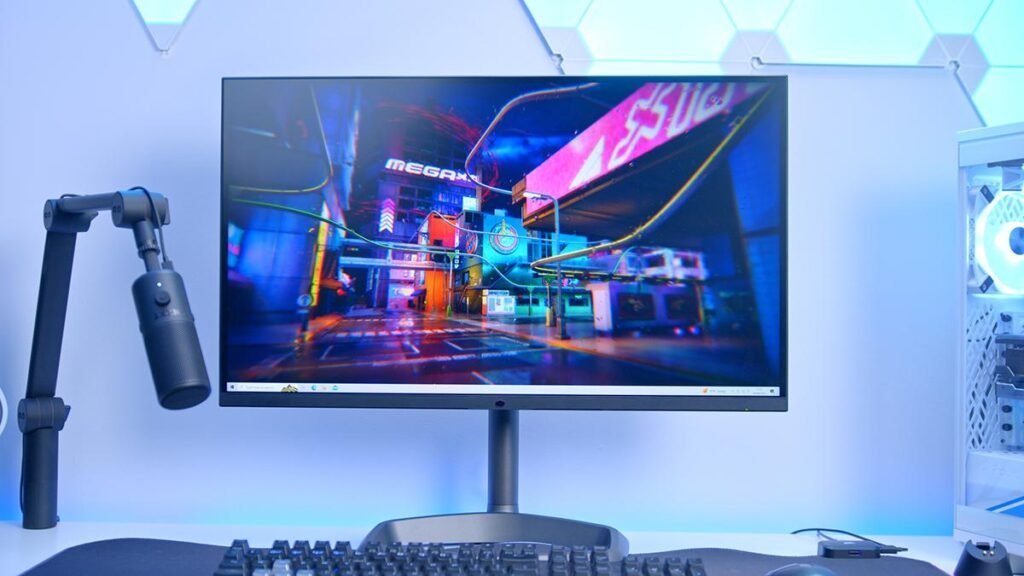
Is bigger always better? Not for gaming. A big screen can feel like a movie, but on a tight desk it can also feel like the front row at a cinema. The good monitor size for gaming is the one that matches desk space, viewing distance, and the type of game.
Many people ask, what size monitor is best for gaming, because size changes both immersion and aim. After testing a 27 inch monitor for daily play and a 32 inch gaming monitor for chill story nights, the difference in sharpness and comfort is easy to feel.
This gaming monitor size guide breaks down the best screen size and ideal monitor size by game type, plus simple tips on resolution and pixel density so the next buy feels right. Start with the size sections below and pick the best gaming monitor for the setup.
Why Monitor Size Matters (More Than You Think)
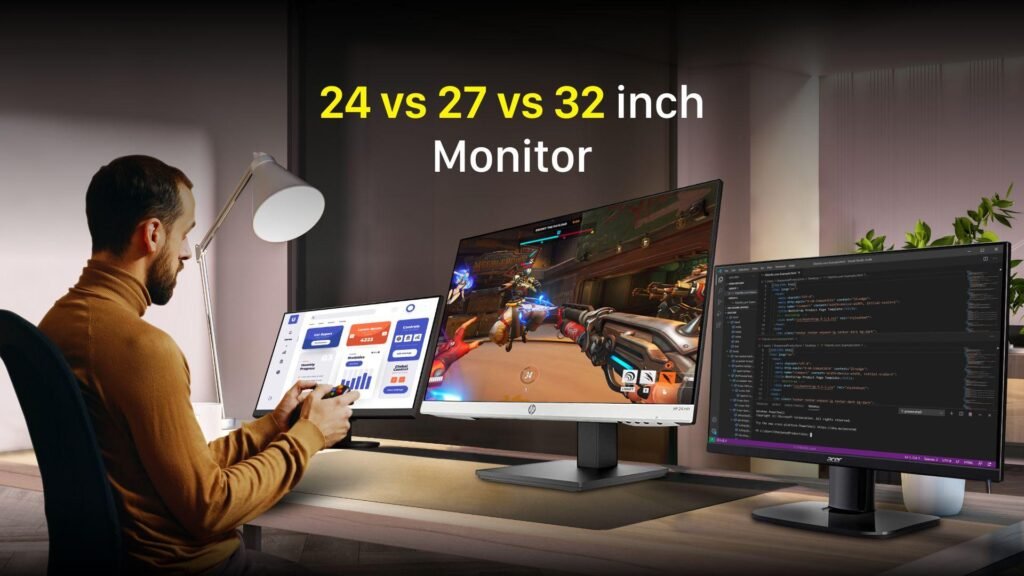
Monitor size matters because it changes how the game feels and how well targets can be seen. A screen that is too big for the desk can force head turns, and a screen that is too small can hide detail. The best screen size is the one that feels natural from the chair.
Size also changes field of view and immersion in a very real way. A bigger panel can show more of the edges, so racing and open-world games feel wider and more alive. But for fast FPS aim, too much screen can pull the eyes around and slow reactions.
Sharpness is the other big reason this matters, and that comes down to pixel density (PPI). A 27 inch monitor at 1080p can look soft up close, while 27-inch at 1440p looks cleaner and more crisp because the pixels are tighter. This is why the ideal monitor size is always tied to resolution, not just inches.
Comfort matters too, because the wrong size can cause eye strain over long sessions. When the screen fills the view without being too close, the eyes relax and focus stays steady. That is the real goal behind picking a good monitor size for gaming.
Field of View (FOV) & Immersion (Bigger = More peripheral vision)
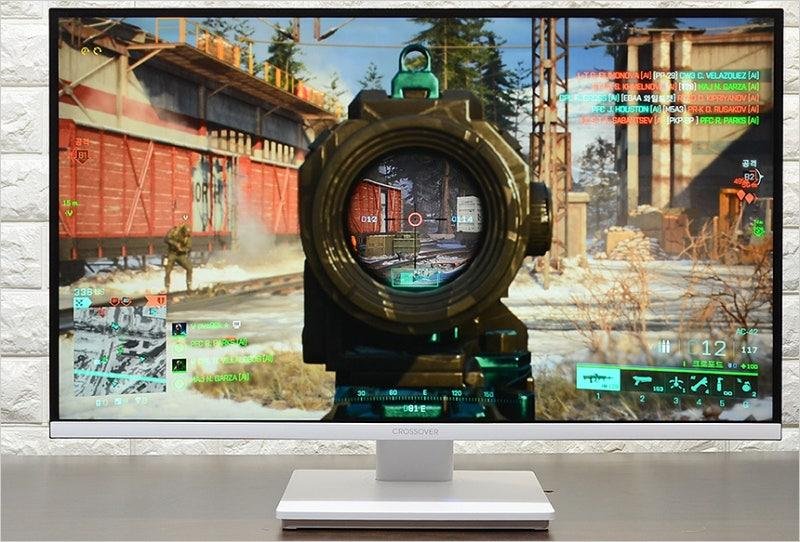
Bigger screens can feel more wide in games because more of the edges sit inside the view. That extra side space helps with immersion, like switching from a small window to a big glass door. This is why a 27 inch monitor or larger often feels more fun in open-world and racing games.
But more screen can also mean more eye travel, and that can hurt focus in fast fights. In games like Valorant or CS2, a smaller screen can keep everything closer to the center, so targets are easier to track. That is why many competitive players still stick to 24-inch or a tight 27-inch setup.
Pixel Density (PPI) Explained (Why sharpness changes)
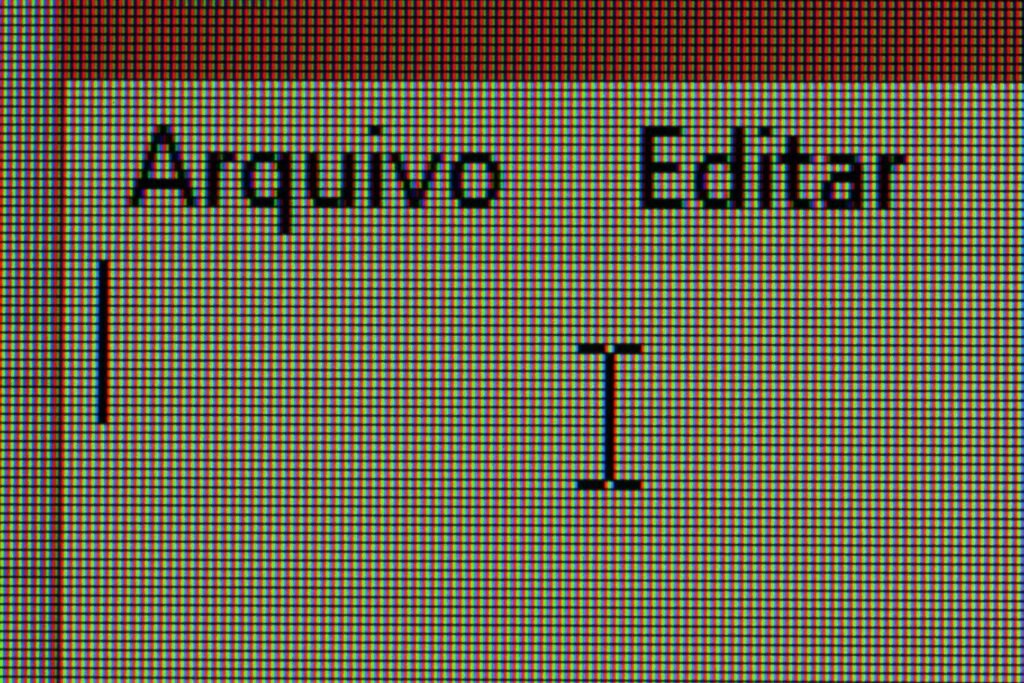
PPI means how tight the pixels are on the screen, and higher PPI looks sharper. Same size, higher resolution, cleaner image. That is the simple rule.
A 27-inch 1080p screen can look a bit soft, especially for text, thin lines, and distant enemies. A 27-inch 1440p screen looks more crisp because it packs more pixels into the same space. This is also why a 32 inch gaming monitor often needs 4K, or the image can look blurry.
Eye Strain & Viewing Distance
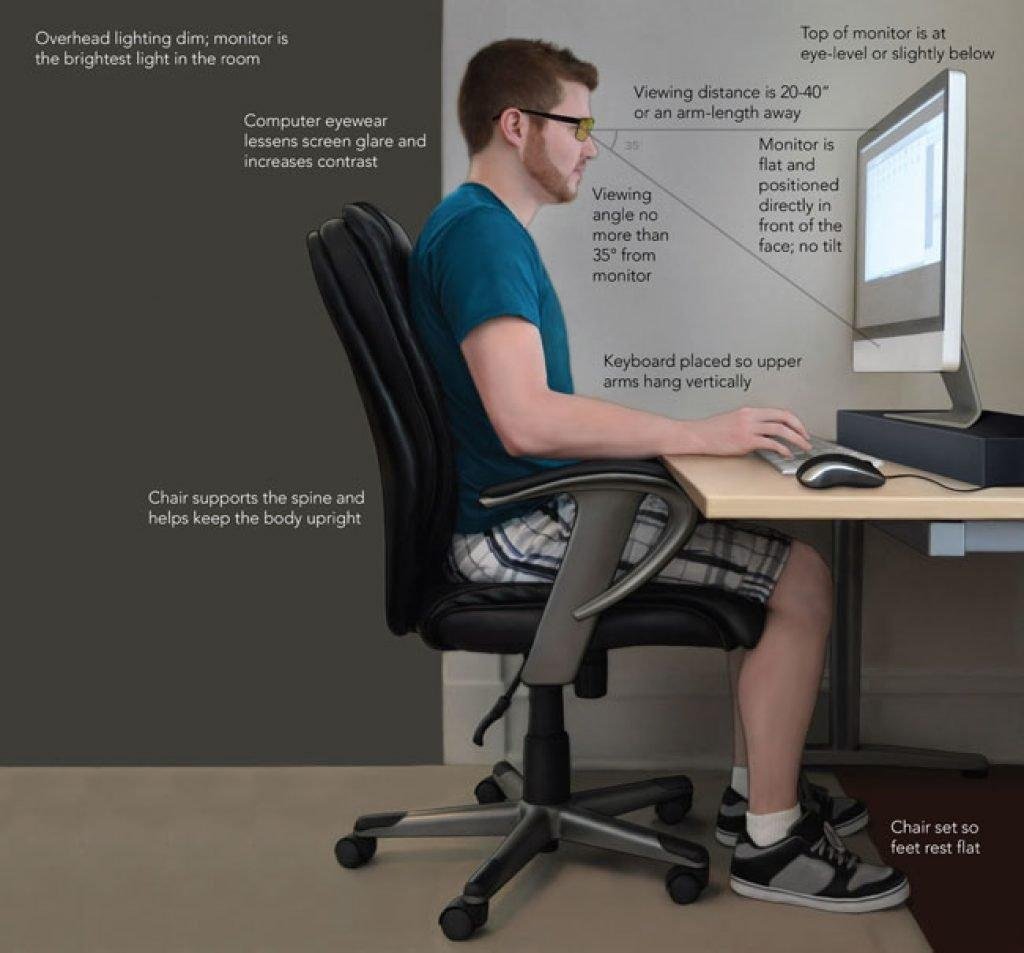
The best screen size is the one that fits the distance from the eyes. Too big and too close can cause head turns and tired eyes. Too small can cause squinting and leaning forward.
A simple desk test works: sit back and keep the full screen in view without moving the head. If the neck starts to work, the monitor is too large or too close.
Competitive vs Casual Gaming
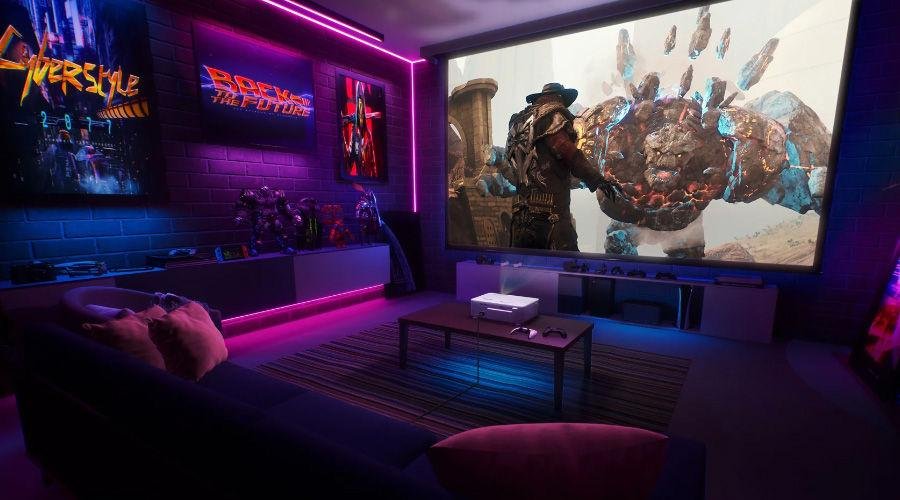
For competitive play, speed and focus matter more than wow. Smaller screens can help keep the minimap, crosshair area, and corners in one glance. That is why 24-inch 1080p stays popular for esports-style FPS.
For casual play, immersion often matters more than pure reaction time. A 27 inch monitor at 1440p is a strong middle ground, and a 32 inch gaming monitor at 4K can feel like a mini home theater for single-player games. The best gaming monitor is the one that matches the games played most, not the biggest one on sale.
Best Monitor Sizes for Gaming (Ranked)
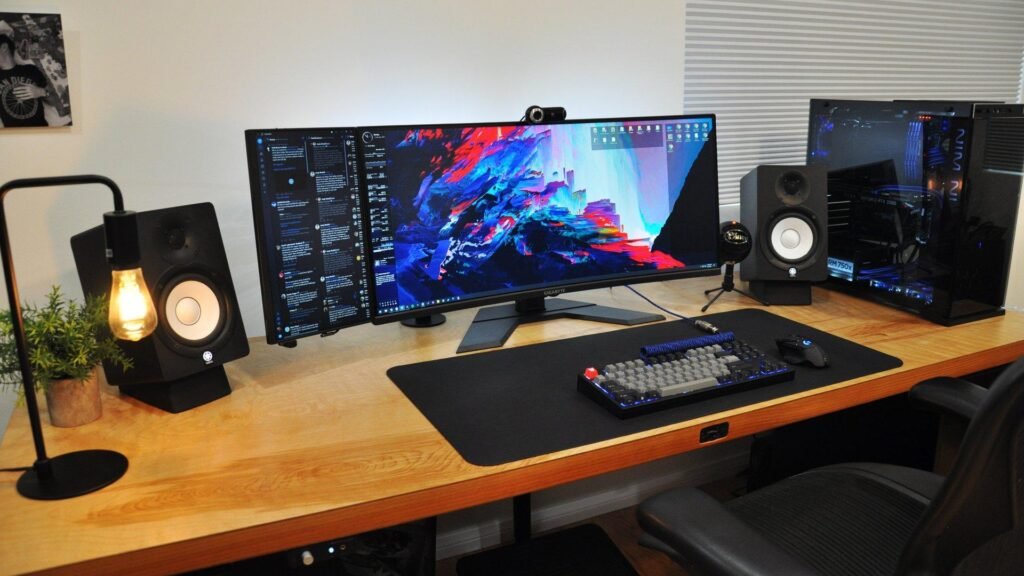
Picking a size is about finding the right balance for the eyes and the desk. Most gamers choose between three main sizes, each with a specific job. Here is how they rank based on performance and feel.
24-Inch: The King of Competitive Gaming
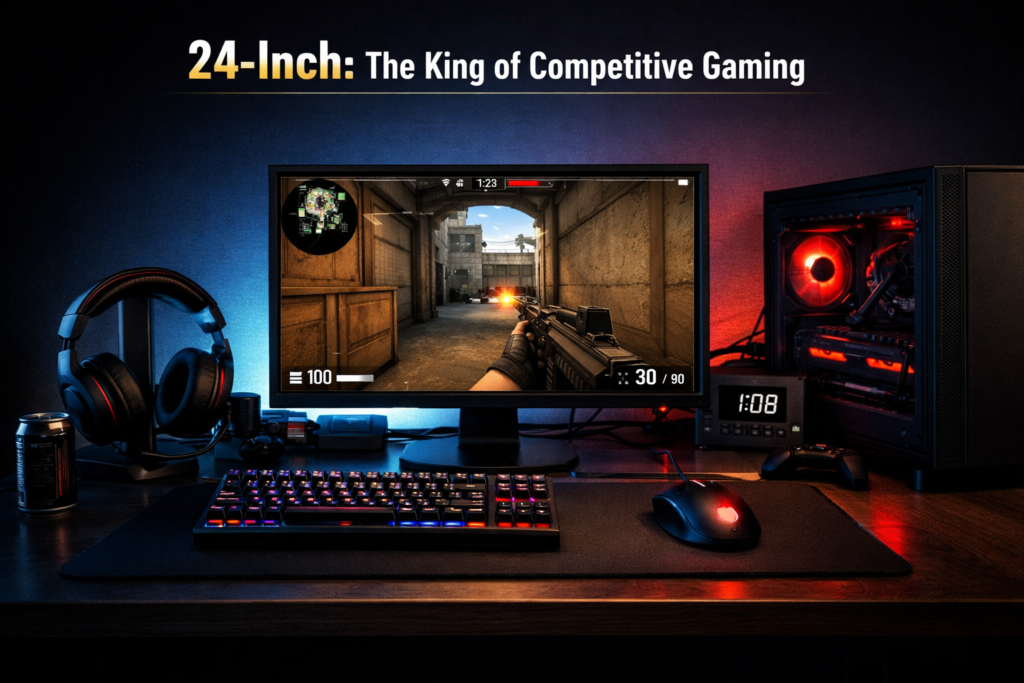
A 24-inch screen is the top choice for fast games like Valorant, CS2, or CoD. This size keeps the whole screen in one view so the eyes do not have to travel far to see a map or a corner. 1080p is the sweet spot here, offering high speed and clear detail without needing a massive GPU.
27-Inch: The Sweet Spot (Most Popular)
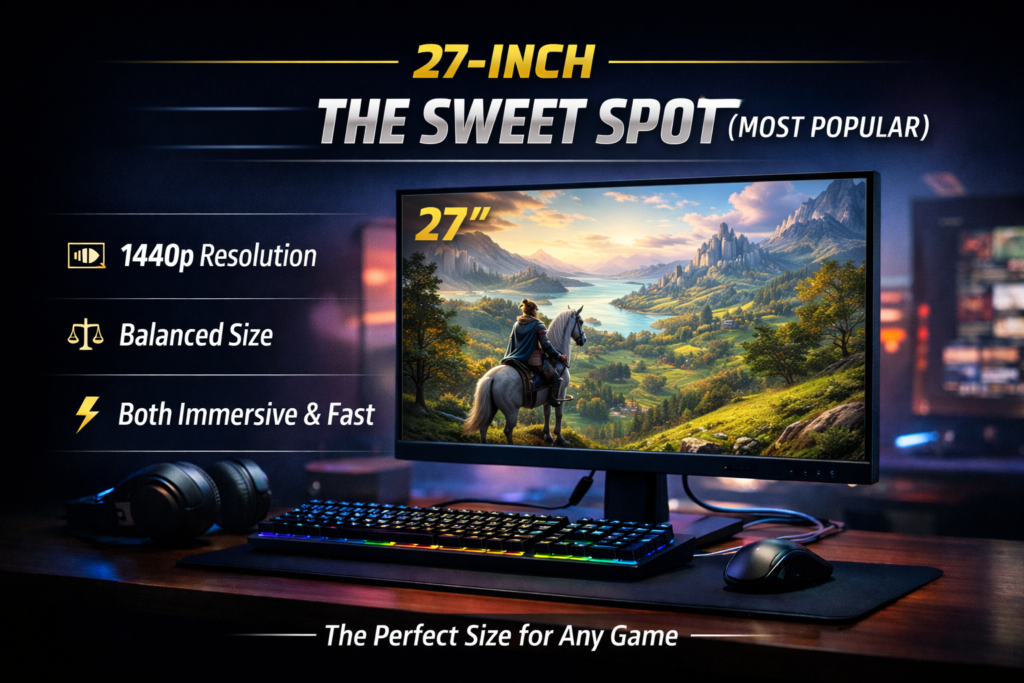
For most people, a 27 inch monitor is the perfect middle ground. It is big enough to feel immersive in story games but small enough to handle fast shooters. The goal for this size is 1440p resolution, which looks sharp and professional for both play and work.
32-Inch: The Immersive Beast
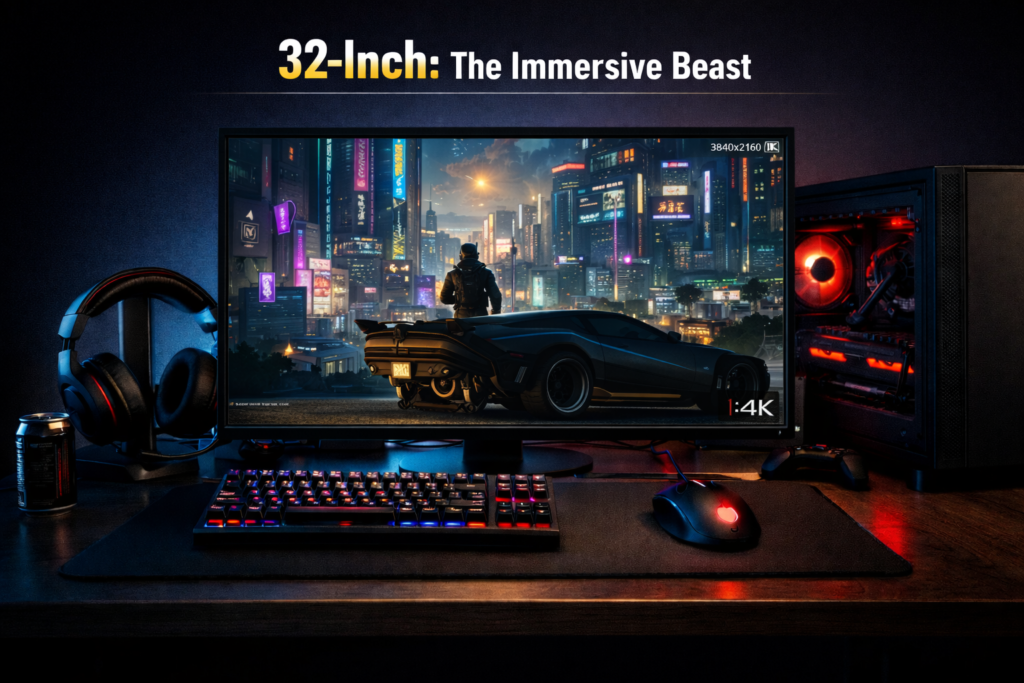
A 32 inch gaming monitor is a powerhouse for single-player RPGs like Cyberpunk or The Witcher. It fills the field of view and makes virtual worlds feel vast and real. Just be careful: this size really needs 4K resolution to stay crisp, as lower resolutions can look a bit blurry on such a large panel.
34-Inch Ultrawide: The Productivity + Gaming Hybrid
Ultrawide monitors add extra space to the sides, which is great for seeing more of the world in racing games or flight sims. It acts like a multi-monitor setup without the annoying gap in the middle. Keep in mind that these are expensive and require a very strong graphics card to run smoothly.
Best Monitor Size Based on Game Type
Different games require different views to feel right. A size that helps a pro shooter might feel small for a massive fantasy world. Matching the screen to the favorite genre is the best way to find a good monitor size for gaming.
Best Size for FPS Games (24-inch)
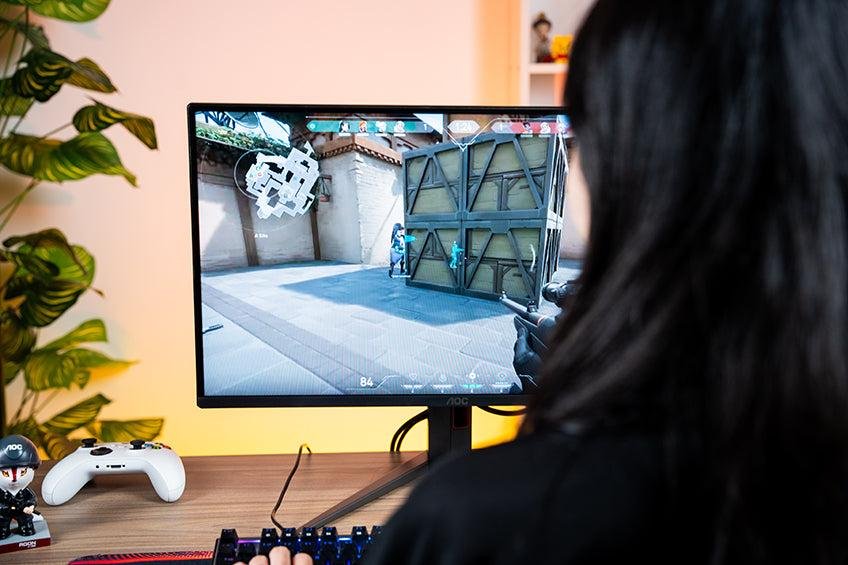
For fast shooters, 24-inch is the gold standard because it keeps every detail within the center of vision. There is no need to turn the head to check the health bar or the ammo count. This small and fast setup helps players react to movement in a split second.
Best Size for RPG & Open World Games (27-inch or 32-inch)
Story-driven games like Elder Scrolls or Cyberpunk crave space to show off beautiful textures and wide skies. A 27 inch monitor offers great detail, while a 32 inch gaming monitor makes the world feel like it is wrapping around the player. These larger sizes help gamers lose themselves in the atmosphere of a virtual world.
Best Size for Console Gaming (PS5/Xbox)
If you are playing on a PS5 or Xbox Series X, a 27-inch or 32-inch monitor is ideal. These consoles are built for high detail and look amazing on a slightly larger screen. However, you need to set it up correctly. Check out our guide on how to connect a gaming console to a monitor to get the best picture quality.
Monitor Size vs Resolution Cheat Sheet
Choosing the wrong resolution for the screen size is a common mistake that can ruin a setup. If the screen is too big for the resolution, the image looks stretched and soft. Use this simple guide to match the right pixel count with the right panel size for a sharp view.
Size- BestResolution- Avoid This
24- 1920×1080 (1080p)- 4K (Text becomes too small to read)
27- 2560×1440 (1440p)- 1080p (The image starts to look blurry)
32- 3840×2160 (4K)- 1080p (The pixels look very blurry)
A sharp image comes from high pixel density, which is why a 27 inch monitor shines at 1440p. Moving up to a 32 inch gaming monitor usually requires 4K to keep that same level of crisp detail. Picking the best gaming monitor means finding the balance where the screen looks clear without making the hardware struggle.
How Far Should You Sit? (Viewing Distance Guide)
Sitting at the right distance is just as important as the screen size itself. If the chair is too close to a large panel, the neck will get tired from constant moving. If the chair is too far from a small screen, the eyes will strain to see fine details.
A good rule of thumb is to use your arm length as a starting point. If you can touch the screen with your palm while sitting back, you are likely too close for comfort. Here is a simple guide for the most common sizes:
- 24-inch monitor: 2 to 2.5 feet away.
- 27 inch monitor: 2.5 to 3 feet away.
- 32 inch gaming monitor: 3 to 4 feet away.
Finding the sweet spot helps with both focus and health during long play sessions. When the screen fills the field of view without forcing head turns, immersion feels natural. This balance is a huge part of choosing a good monitor size for gaming that actually works for your specific desk.
Other Important Factors Besides Size
Size is just one piece of the puzzle. A massive screen means very little if the movement looks choppy or the colors feel dull. To make sure you do not get scammed, read our full checklist on what to look for in a gaming monitor before you buy.
Refresh Rate (144Hz vs 240Hz)
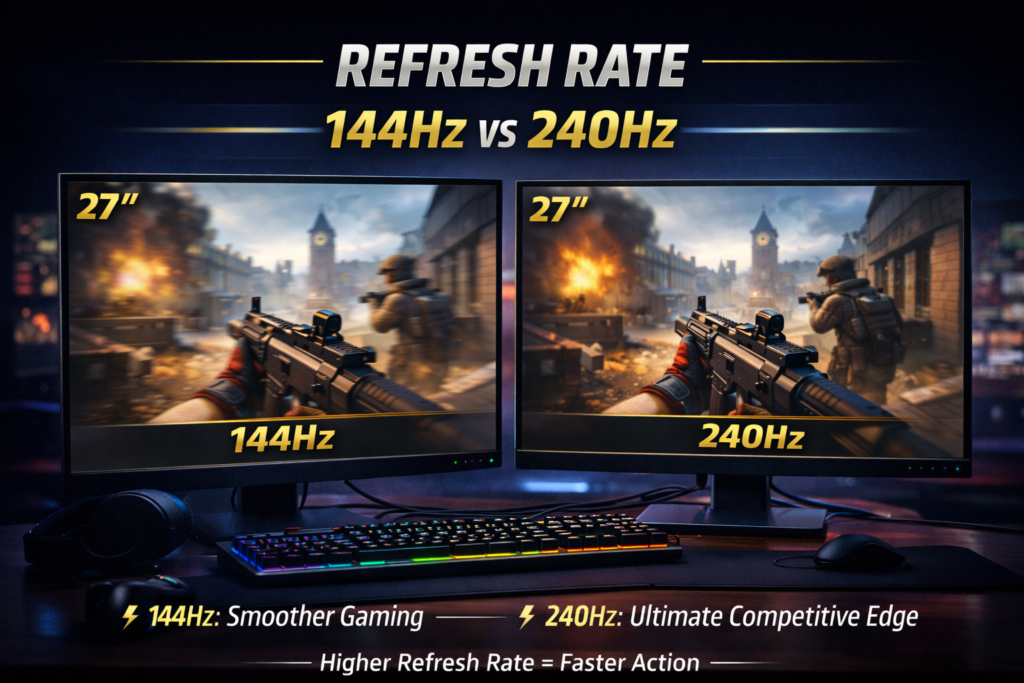
A high refresh rate makes the game feel smooth and responsive. While size gives you the view, the refresh rate gives you the speed. Most gamers find that 144Hz is a great start, but pro players often go for 240Hz on a smaller 24-inch panel to get every edge in a fight.
Panel Type (IPS, VA, TN)
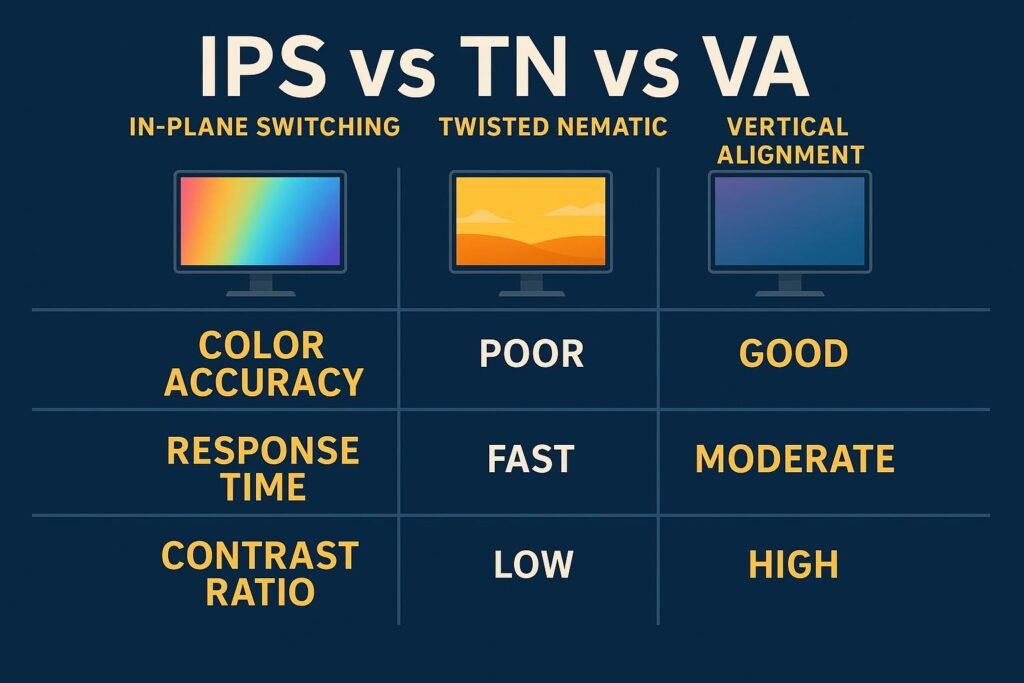
The panel type dictates how colors and contrast look on the screen. IPS panels are the gold standard for bright, accurate colors and wide views. VA panels offer deep blacks for dark story games, while TN panels are all about pure speed for budget-focused competitive play.
Response Time
Low response time prevents ghosting, which is that annoying blur behind moving objects. A 1ms response time is the goal for any best gaming monitor to keep the image sharp during fast turns. This matters even more on a large 32 inch gaming monitor where blur is easier to spot.
Curved vs Flat Monitor
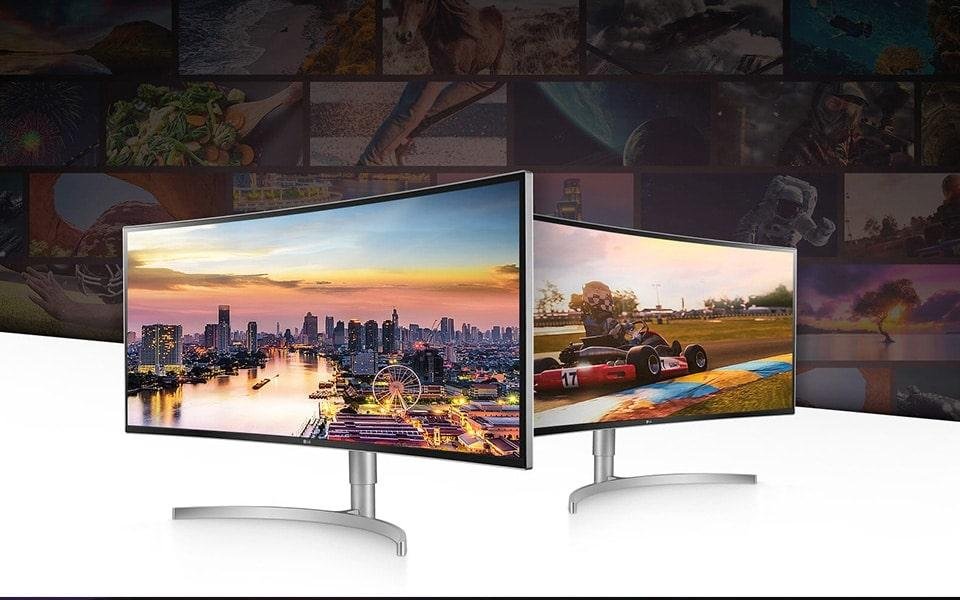
Curved screens help wrap the game around the field of view, which reduces eye strain on very large or ultrawide displays. Flat screens are more traditional and better for sharing the view or doing precise design work. Choosing a curve can make a 27 inch monitor feel even more immersive without taking up extra desk space.
Final Verdict: Which One Should You Buy?
Choosing the right screen comes down to how you play and how much desk space you have. There is no single perfect choice for everyone, but most setups fall into three main categories. Here is the final breakdown to help you decide.
If you are a Budget Gamer, a 24 inch 1080p screen is the way to go. It is fast, cheap, and fits on almost any small desk without much trouble. This size keeps your focus tight and your frame rates high.
For the All-Rounder, a 27 inch monitor at 1440p is the clear winner and the best value for your money. It offers the perfect mix of size and sharpness for both fast shooters and beautiful story games. This is the sweet spot that most gamers should pick for a great long-term setup.
If you are an Immersion Lover, a 32 inch gaming monitor with 4K resolution will feel like a dream. It fills your field of view and makes every virtual world look incredibly real. Just make sure your PC has a strong graphics card to handle those extra pixels.
FAQ
A 27 inch monitor is not too big for FPS games if you sit at least 2.5 feet away. Many pro players love this size at 1440p because it makes distant enemies easier to see. It is a good monitor size for gaming that feels both fast and sharp.
A 32 inch gaming monitor can feel huge on a tiny desk but is perfect for story games. It offers a big field of view and deep immersion for RPG fans. Just make sure to use 4K so the best gaming monitor setup stays crisp and clear.
You can use a large screen on a small desk if you use a monitor arm to save space. A 32 inch gaming monitor needs room so you do not sit too close to the pixels. This ideal monitor size works best when you have at least 3 feet of depth.
Monitor size does not affect FPS, but the resolution of the screen does. A large 27 inch monitor at 1440p needs more GPU power than a small 1080p screen. Choosing a good monitor size for gaming means matching it to your PC speed.
Ultrawide is a shape while curved is a feature, and many wide screens have both. A curved 27 inch monitor helps your eyes stay relaxed by keeping the edges close. It is a great best screen size choice for a wrap-around feel in every game.
2 thoughts on “Good Monitor Size for Gaming (Complete 2026 Guide)”
Great guide! This article clearly explains how to choose the good monitor size for gaming 2026 based on different needs. I especially liked how you highlighted the balance between screen size, resolution, and performance.
For competitive gamers, smaller screens like 24–25 inches are still ideal, while 27-inch remains the sweet spot for most gamers looking for both immersion and performance. Larger displays like 32-inch or ultrawide are perfect for cinematic and AAA gaming experiences.
This is really helpful for anyone confused about what monitor size to choose in 2026. Well explained and very informative—keep up the great work!
Hi Bayjid,
Thanks for such a detailed and encouraging comment! You’ve nailed the key takeaways from the article. I’m happy the guide helped clarify monitor size choices for gaming in 2026.
Feel free to explore more guides on the site, and let me know if you’d like recommendations for any specific gaming setup!
Cheers!